Top 5 AI Coding Assistants for Salesforce Development
A user story lands on your desk: a new trigger on Opportunity, a handler class, a Lightning Web Component for the record page, and a test class that pushes coverage past 75%. You know exactly what to build. The hours go on typing it, looking up syntax and writing test data you have written a hundred times before.
For years the routine was the same: copy the trigger handler pattern from the last project, keep a Salesforce Stack Exchange tab open for the SOQL you half remember, and leave the test class until the end, when the deployment fails on coverage. Generic autocomplete helped a little, but it knew nothing about your org, your custom objects or governor limits.
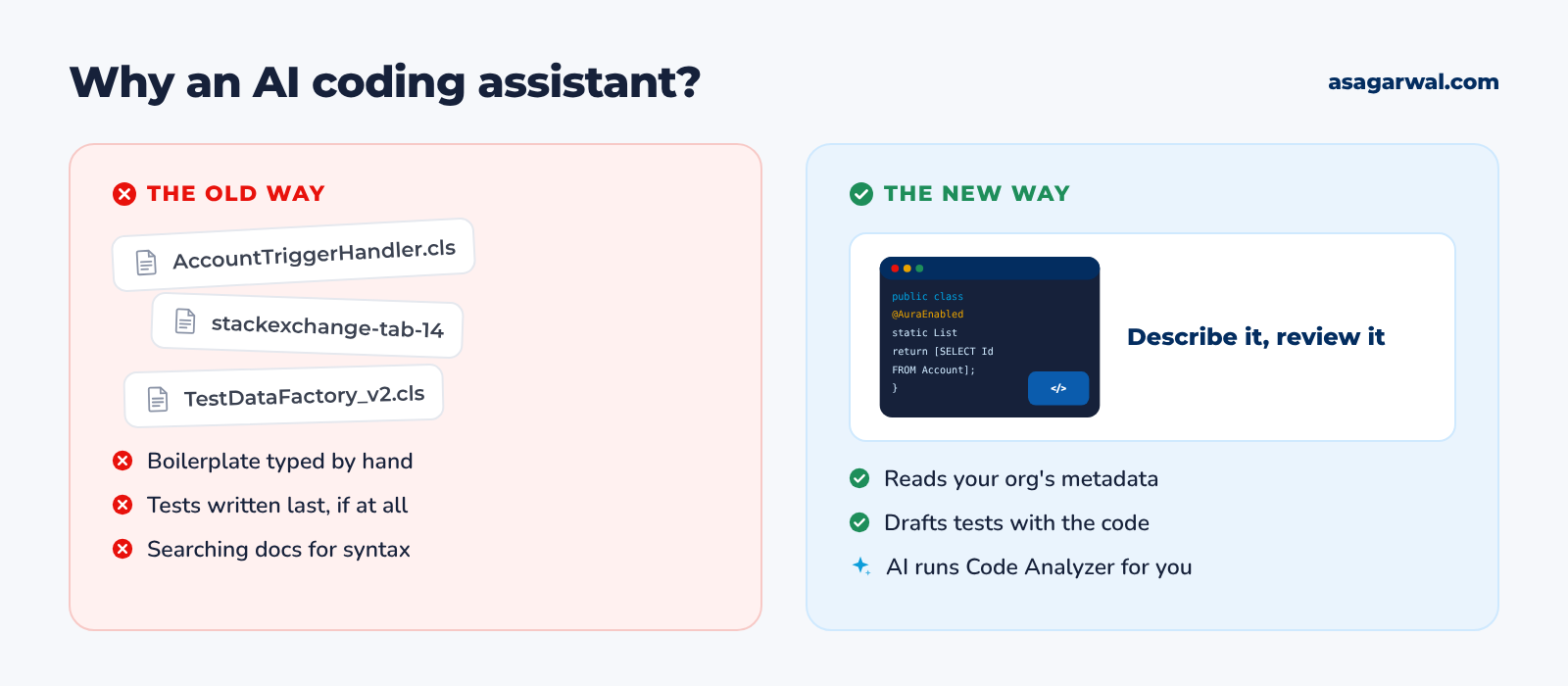
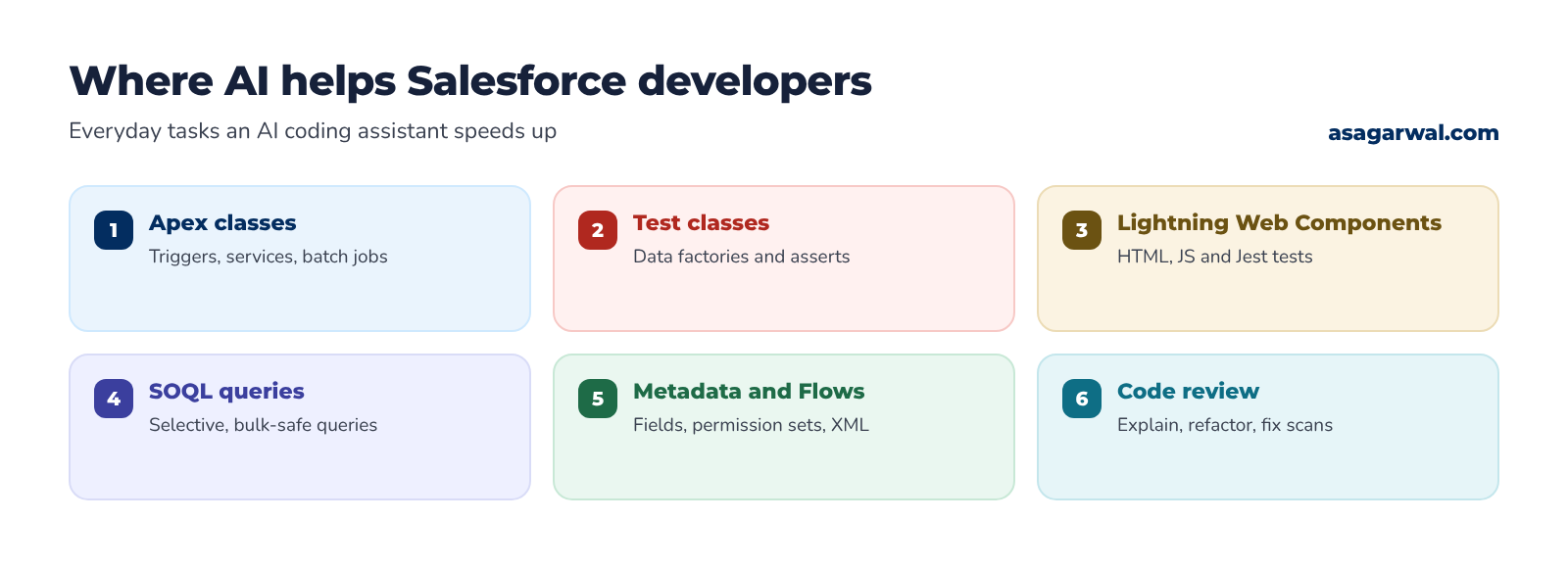
An AI coding assistant changes the work from typing to describing and reviewing. You explain what you need in plain English, and the assistant drafts the Apex, the LWC, the SOQL and the tests across several files, then runs commands, fixes errors and explains its changes. You stay the architect and the reviewer.
In 2026 the best assistants are also Salesforce-aware. Through the Salesforce DX MCP server they can read your org's metadata, run SOQL, deploy to a scratch org, run Apex tests and call Salesforce Code Analyzer. Salesforce "skills" add packaged know-how on Apex, LWC, Flows and testing, so the output follows Salesforce patterns rather than generic Java habits.
Here are five of the best AI coding assistants for Salesforce development. Try one on your next user story and see how much of the boilerplate disappears. 🤖
🔎 How These Five Were Chosen
We judged each assistant on what matters for Salesforce work: the quality of its Apex, LWC and SOQL, whether it can read org metadata and work with the Salesforce DX MCP server and Salesforce skills, how well it fits with Salesforce Code Analyzer and the Salesforce CLI, how it handles your code and data (training, retention and the Einstein Trust Layer), enterprise controls, and price. The Salesforce DX MCP server is the great leveller here: Agentforce Vibes ships with it pre-configured, Salesforce documents setup for GitHub Copilot in VS Code, and the project's README covers clients such as Claude Code and Cursor.
Two well-known names missed out. Google stopped selling new Gemini Code Assist Standard and Enterprise subscriptions on 9 October 2026 and is steering customers to Antigravity, and Windsurf has been renamed Devin Desktop under Cognition; both are capable, but neither has a strong Salesforce-specific story today. Prices are USD list prices as of October 2026, and AI pricing changes often, so always confirm on the vendor's pricing page before you buy.
🔗 Useful links
Install and configure the Salesforce DX MCP Server – Salesforce Developers
Build production-ready apps in Claude Code with Salesforce skills – Salesforce Developers Blog
1. Agentforce Vibes by Salesforce
🌐 URL: salesforce.com/agentforce/developers/vibe-coding
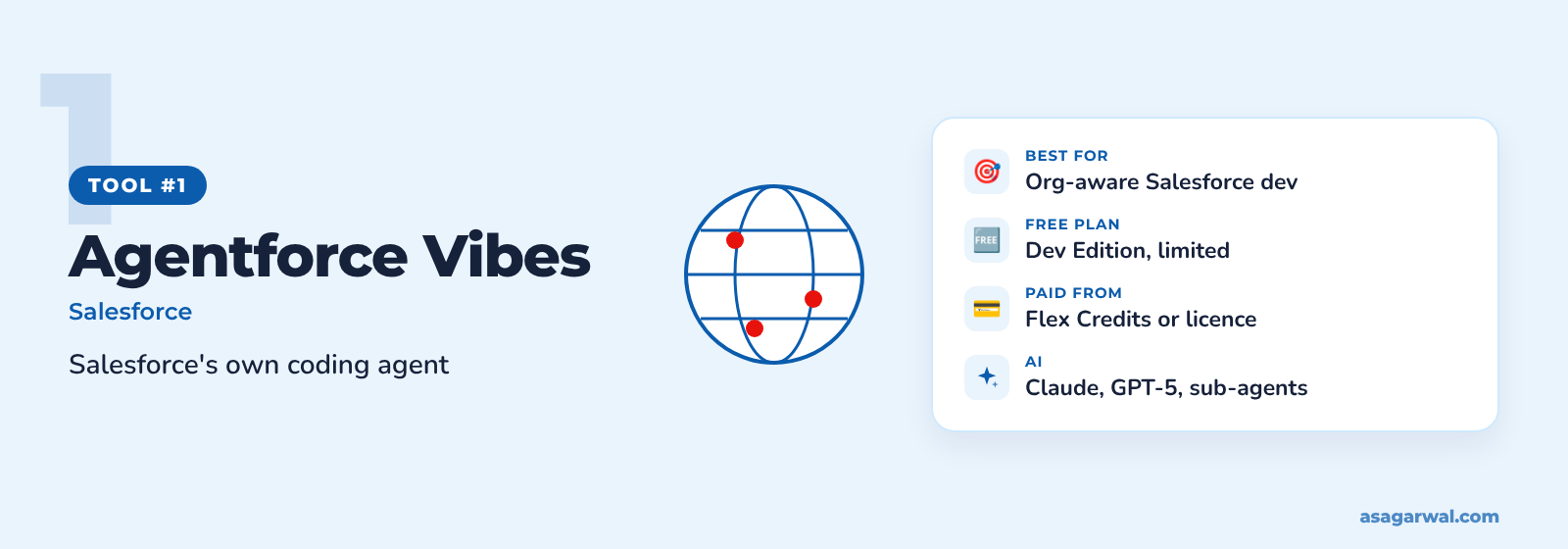
Salesforce's own AI coding agent, built for the Agentforce 360 Platform. It knows your org's metadata out of the box and keeps your code inside the Salesforce trust boundary.
🔑 Key features
Agentic chat that plans and makes full-stack changes across Apex, LWC, React and metadata
Runs as a VS Code extension (in the Salesforce Extension Pack) or in the browser-based Agentforce Vibes IDE, with no local install
Plan Mode: no files change until you approve the plan
Salesforce DX MCP server pre-configured, so it can query, deploy and run tests against your org
Code Analyzer integration to find and fix security issues early
✨ AI capability
Agentforce Vibes 2.0, announced at TDX 2026, adds a lead agent that hands work to specialist sub-agents for Apex, LWC, Jest and SOQL, each in its own Git worktree. It runs on Claude and GPT-5 models. Salesforce says prompts pass through the Agentforce Trust Layer with zero data retention and automatic PII masking. For quick fixes, the Web Console lets you run SOQL, read debug logs and execute Anonymous Apex inside any org, with Apex read-only in production.
💰 Free or paid
No longer free outside Developer Edition. Since 1 June 2026, production and sandbox orgs need Flex Credits ($500 per 100,000 credits, shared with Agentforce) or flat-fee access at $125 per user/month. Developer Edition orgs keep a limited free allowance of up to 110 requests (1.5 million tokens) on Claude Sonnet 4.5. The Agentforce Vibes IDE is available in Professional, Enterprise, Unlimited and Developer Editions.
⚡ Why it matters for Salesforce professionals
The only assistant that runs inside the Salesforce trust boundary, which makes security reviews with cautious clients far easier
Reads custom objects, fields and relationships from the org, so generated code uses your real API names
Works with scratch orgs, the Salesforce CLI and source control in the cloud IDE, ideal when a client laptop blocks local installs
🔗 Useful links
2. Claude Code by Anthropic
🌐 URL: claude.com/product/claude-code
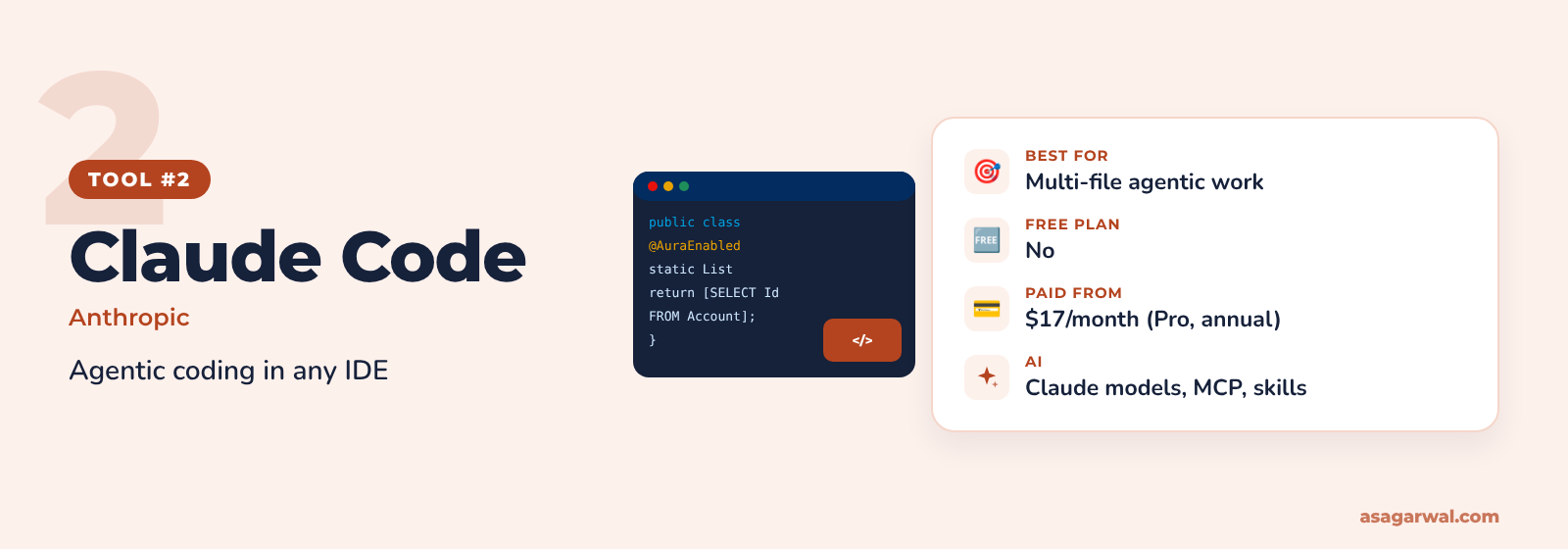
An agentic coding tool from Anthropic that works in your terminal, in VS Code and JetBrains IDEs, in a desktop app and on the web. You describe the task, and it reads your project, edits files and runs commands, asking permission as it goes.
🔑 Key features
Reads and edits across your whole SFDX project, not just the open file
Runs Salesforce CLI commands, Apex tests and scripts from the conversation
Connects to MCP servers, including the Salesforce DX MCP server
Supports skills, including Salesforce's open-source sf-skills library
Project instructions in a CLAUDE.md file, plus hooks and sub-agents for repeatable workflows
✨ AI capability
Claude Code uses Anthropic's Claude models and works as an agent: it plans, makes multi-file changes, runs tests and fixes failures in a loop. Salesforce's own developer blog shows Claude Code with sf-skills generating Apex, test classes, LWCs and Flows, and running Code Analyzer before reporting success.
💰 Free or paid
Included in every paid Claude plan; not in the Free plan. Pro is $17/month billed annually ($20 monthly), Max starts at $100/month, and Team seats are $20 (Standard) or $100 (Premium) per user/month billed annually. Enterprise is $20 per seat plus usage at API rates. On Team, Enterprise and API plans Anthropic does not train models on your code; on Free, Pro and Max that depends on your privacy setting.
⚡ Why it matters for Salesforce professionals
Install sf-skills with one command, so Apex, LWC and test generation follow Salesforce patterns
Pair it with the Salesforce DX MCP server to query metadata, deploy to a scratch org and run tests without leaving the session
Commercial plans offer 30-day retention by default, and zero data retention for qualified Enterprise accounts, which helps on regulated client projects
🔗 Useful links
3. GitHub Copilot
🌐 URL: github.com/features/copilot
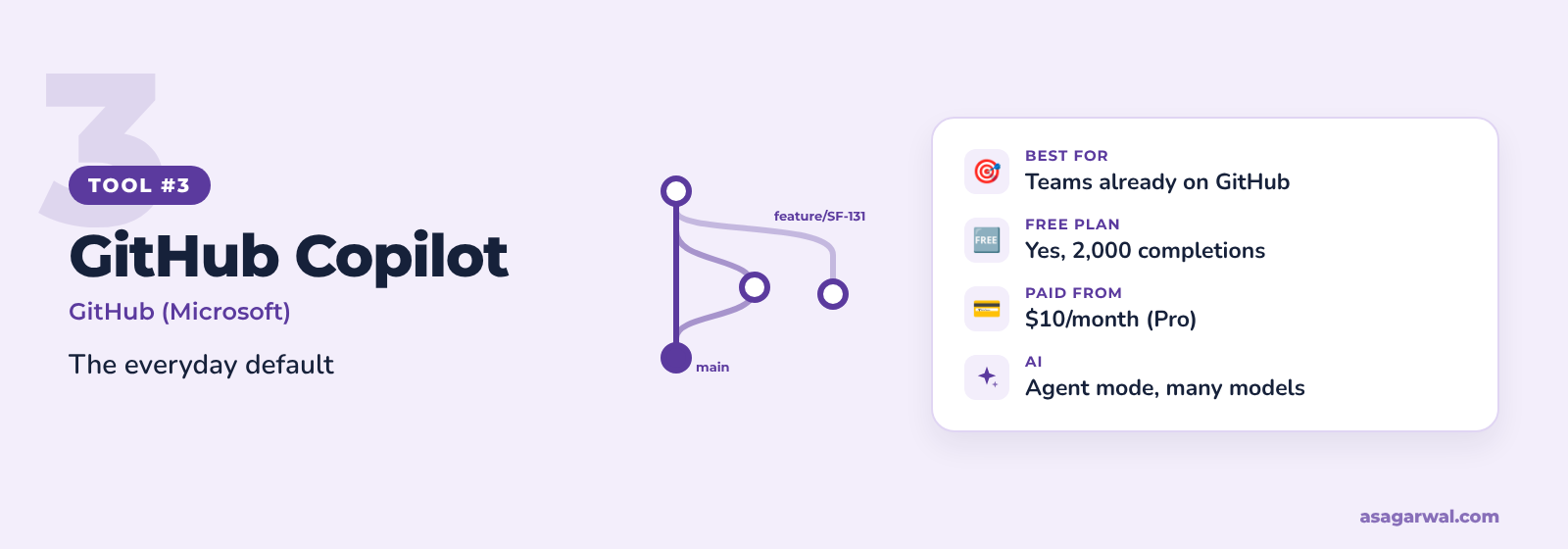
The most widely adopted AI coding assistant, built into VS Code, JetBrains IDEs, the GitHub website and the command line. If your Salesforce team already keeps its source in GitHub, Copilot is the natural first step.
🔑 Key features
Code completions and next-edit suggestions as you type Apex, JavaScript and HTML
Agent mode in VS Code for multi-file changes and terminal commands
Copilot coding agent that works on an issue and opens a pull request
Copilot code review on pull requests
MCP support in VS Code, plus a choice of models from several providers
✨ AI capability
Copilot chat, agent mode, code review, the CLI and the cloud coding agent all use GitHub AI Credits, which replaced premium requests in June 2026; completions do not use credits. Pro+ and Max can also hand tasks to third-party agents such as Claude and OpenAI Codex (in preview).
💰 Free or paid
Free plan with 2,000 completions a month and limited chat. Pro is $10/month, Pro+ $39 and Max $100, each with a monthly pool of AI Credits. Business is $19 and Enterprise $39 per user/month, with admin controls over usage and overage.
⚡ Why it matters for Salesforce professionals
Salesforce's own DX MCP server guide walks through setup for GitHub Copilot in VS Code, alongside the Salesforce Extensions
Copilot code review fits pull-request workflows used with DevOps Center, Gearset and Copado
Business and Enterprise give admins policy, model and spending controls that client IT teams expect
🔗 Useful links
4. OpenAI Codex
🌐 URL: openai.com/codex
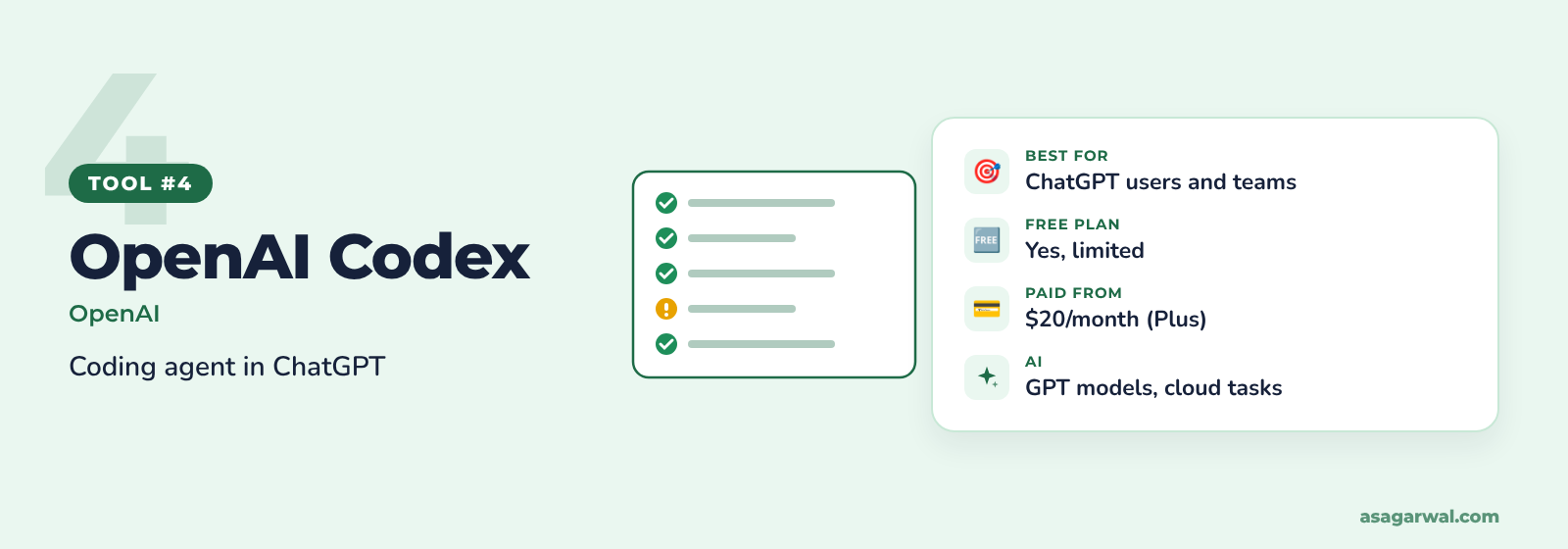
OpenAI's coding agent, included with ChatGPT plans. It runs in the terminal, as an IDE extension, in the ChatGPT apps and in the cloud, where it can work on tasks in parallel while you do something else.
🔑 Key features
Codex CLI and IDE extension for local work on your SFDX project
Cloud tasks that run in a sandbox and propose changes for you to review
Code review on pull requests
MCP support, so it can use the Salesforce DX MCP server
AGENTS.md project instructions for your team's coding standards
✨ AI capability
Codex runs on OpenAI's GPT models and is metered in credits based on tokens, so long, output-heavy tasks use more of your allowance. It suits well-scoped jobs such as "write a bulk-safe trigger handler and its tests" that you can review as a single diff.
💰 Free or paid
Included in ChatGPT plans, with limited access on Free and Go. Plus is $20/month, Pro starts at $100/month, and Business is $20 per user/month billed annually ($25 monthly). OpenAI says it does not train on Business data by default.
⚡ Why it matters for Salesforce professionals
No extra tool to buy if your company already pays for ChatGPT Business or Enterprise
Cloud tasks can draft test classes or refactors in parallel while you work on something else
Connect the Salesforce DX MCP server so Codex works against real org metadata, not guesses
🔗 Useful links
5. Cursor
🌐 URL: cursor.com
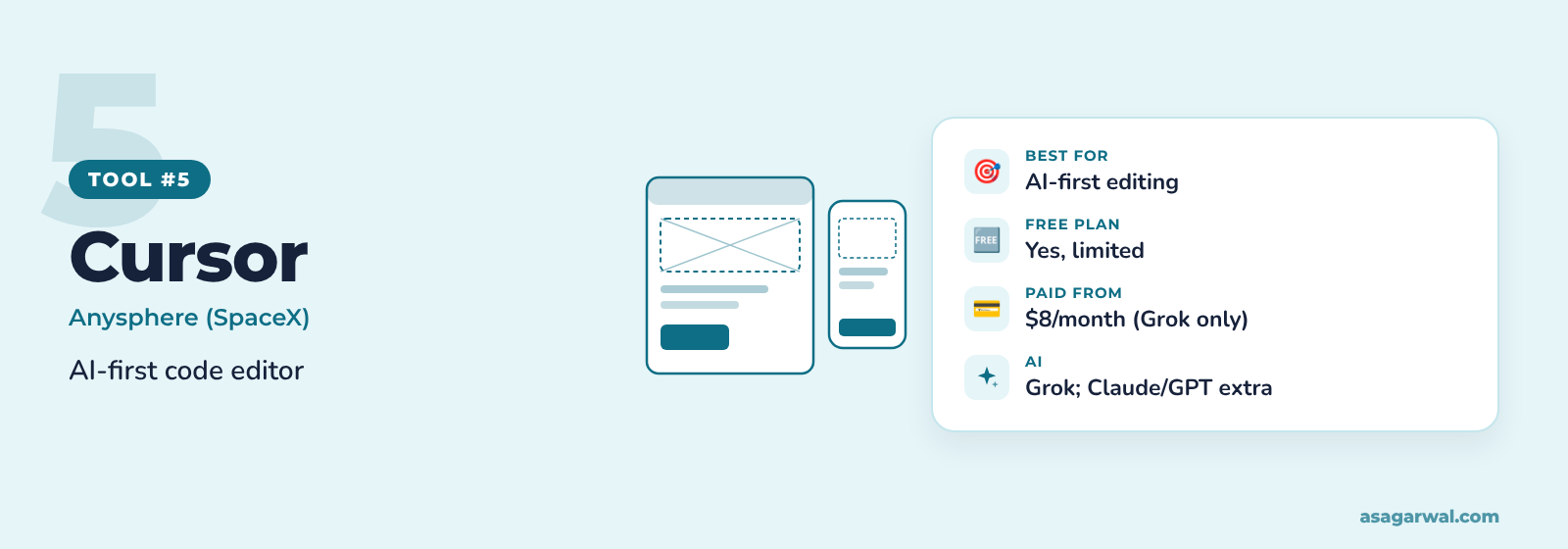
An AI-first code editor built on VS Code, so the Salesforce Extensions and your keyboard shortcuts carry straight over. SpaceX completed its acquisition of Cursor's maker, Anysphere, in August 2026.
🔑 Key features
Tab completions that predict multi-line edits
Agent mode for multi-file changes and terminal commands
Project rules to teach it your Apex and LWC conventions
MCP support, including the Salesforce DX MCP server
Cloud agents and AI code review on Premium and above
✨ AI capability
Cursor's own plans now centre on xAI's Grok models, which are included in your allowance. Claude and GPT models remain available on Premium and above but are billed separately at API list prices. Privacy mode stops your code from being used for training by Cursor or its model providers.
💰 Free or paid
Free plan with limited requests. Since October 2026 the individual plans are Plus at $8/month (Grok models only), Premium $30, Super $100 and Ultra $200; Teams starts at $30 per user/month and Enterprise is custom-priced. Existing subscribers can keep their current plan for now, so check the pricing page carefully before you switch.
⚡ Why it matters for Salesforce professionals
Install the Salesforce Extension Pack exactly as you would in VS Code, then add the Salesforce DX MCP server
Project rules keep generated Apex in line with your trigger framework and naming standards
Budget carefully: Claude or GPT for complex Apex costs extra on top of the subscription
🔗 Useful links
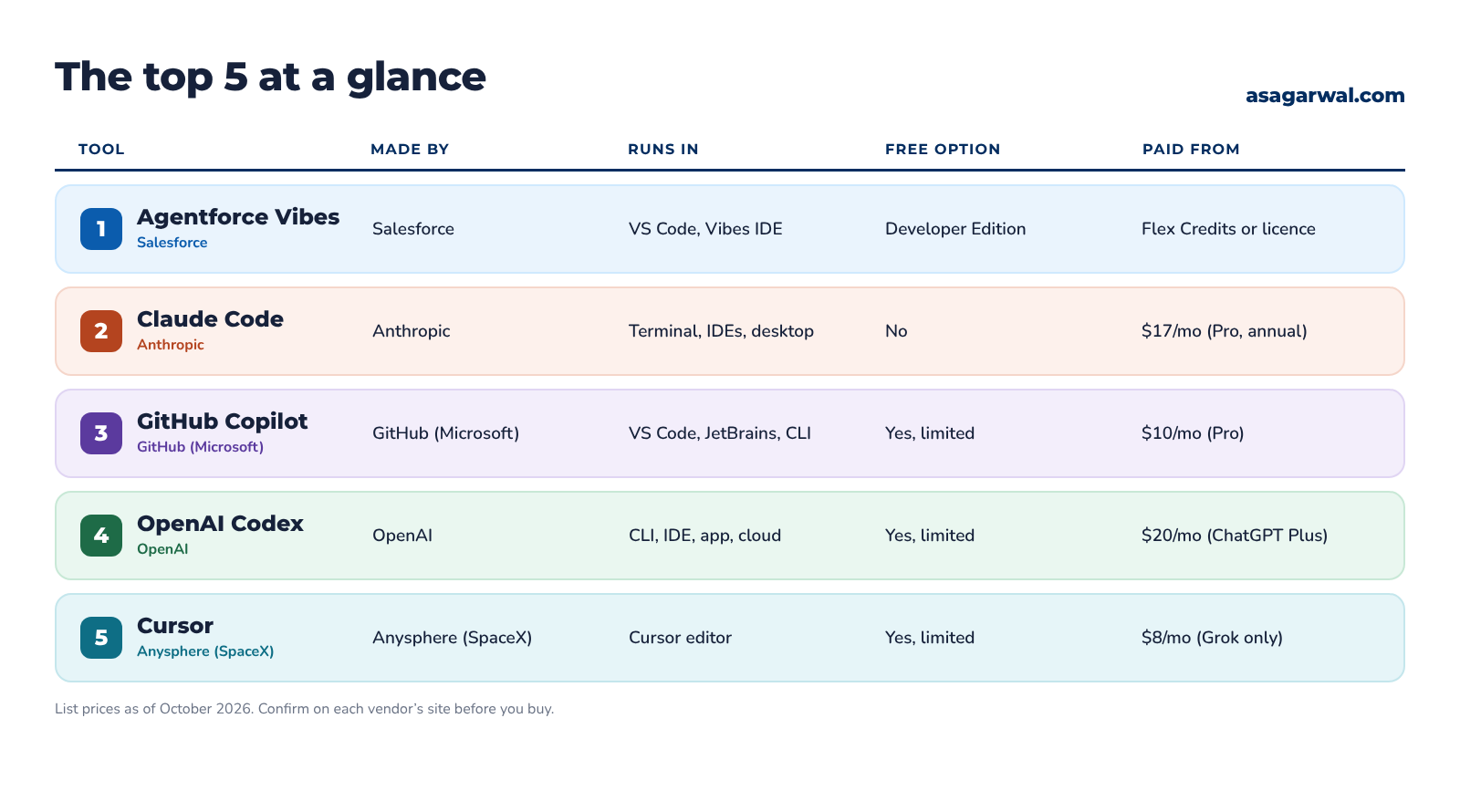
📊 The Top 5 at a Glance
🧭 Which One Should You Choose?
Start from where your code lives and what your client allows:
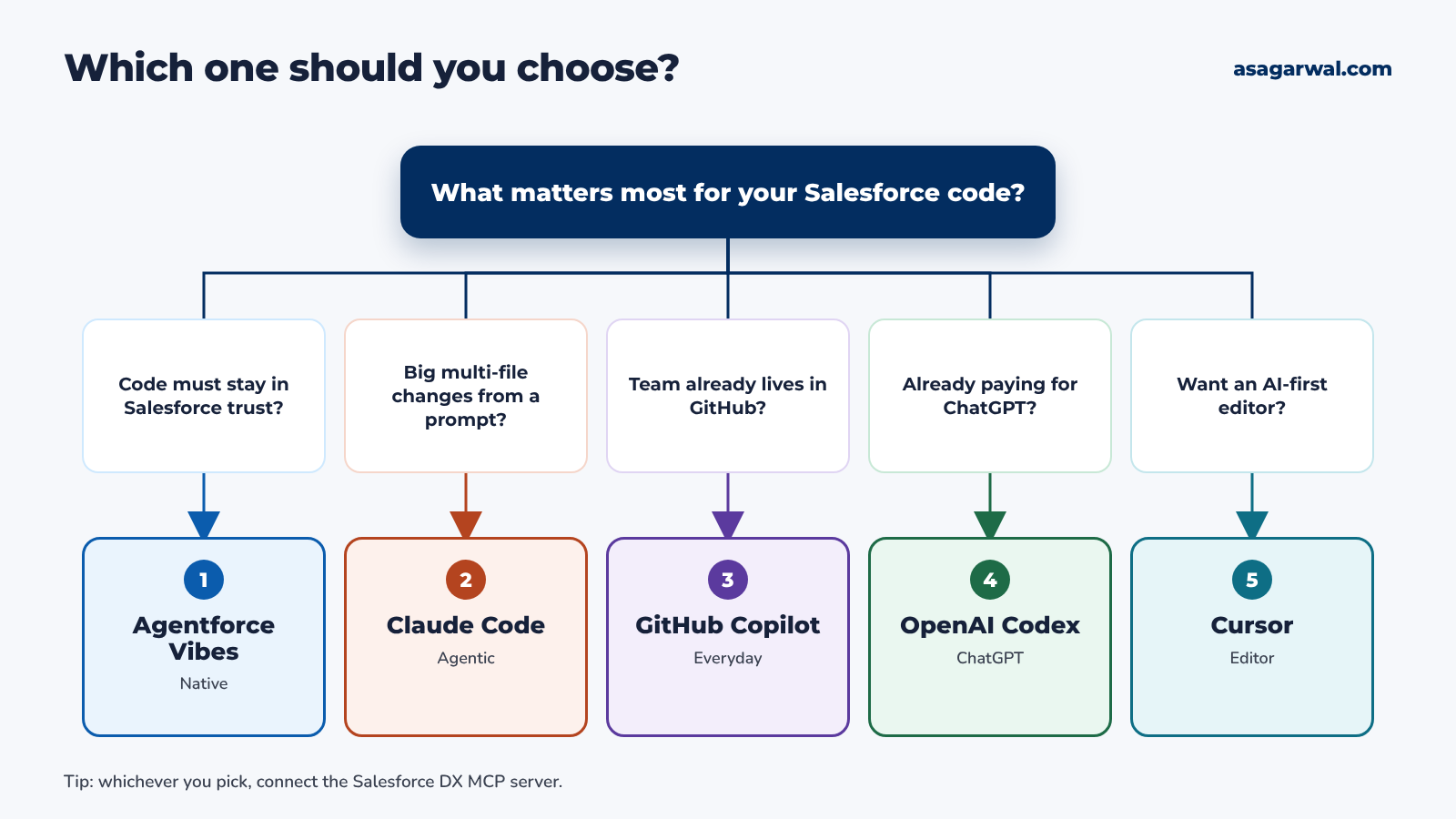
Code and data must stay inside Salesforce's trust boundary? Choose Agentforce Vibes.
Want an agent that makes multi-file changes and runs tests from a prompt? Choose Claude Code.
Team already lives in GitHub and VS Code? Choose GitHub Copilot.
Company already pays for ChatGPT Business or Enterprise? Choose OpenAI Codex.
Want an AI-first editor that feels like VS Code? Choose Cursor.
Whichever you pick, it works best on top of a solid editor. See our guides to the top IDEs for Salesforce development and the top source code analysis tools. Prefer to talk through long prompts? Our top AI dictation tools can help.
🛡️ Use AI Code Safely in Salesforce
AI writes code fast, and it writes mistakes just as fast. Treat every suggestion like a pull request from a new team member: you own what you deploy.
Run Salesforce Code Analyzer on every change. It catches SOQL in loops, missing sharing, injection risks and LWC issues before a reviewer does.
Keep tests meaningful, not just 75%. Salesforce requires 75% Apex coverage to deploy to production, but ask for asserts that prove behaviour, bulk tests of 200 records and negative cases.
Check security by hand. Confirm the sharing keyword, CRUD and field-level security, and use user mode (WITH USER_MODE or AccessLevel.USER_MODE) where it fits.
Never paste production data, passwords, tokens or session IDs into a prompt. Use synthetic test data and keep secrets in Named Credentials.
Point AI at sandboxes and scratch orgs, never production. Authorise the DX MCP server only against the orgs you name, and review every deployment.
Check your client's AI policy first. Many contracts restrict which tools can see client code; use enterprise plans with no training and the shortest retention you can get.
🔗 Useful links
✅ Let AI Write the First Draft
Pick one assistant, connect the Salesforce DX MCP server to a scratch org, and give it your next user story: the trigger, the handler, the LWC and the tests. Review the diff, run Code Analyzer, and time how long it took compared with doing it by hand.
Let AI write the first draft. You stay the architect, the reviewer and the one who signs off the deployment.
Which AI coding assistant do you use for Salesforce work? Share it in the comments 👇