Top 5 Data Migration Tools for Salesforce Projects
Go-live is on Monday. The build is signed off, UAT is green, and 400,000 legacy records still have to land in production over the weekend, with every Contact on the right Account and every Opportunity owned by the right rep. Data migration is where Salesforce projects quietly slip.
Too many teams still run it from a folder of CSV files: accounts_final_v7.csv, a spreadsheet of VLOOKUPs to match legacy IDs to Salesforce IDs, and notes on which file was loaded when. One failed batch, one Flow firing 50,000 welcome emails, and the cutover plan is in trouble.
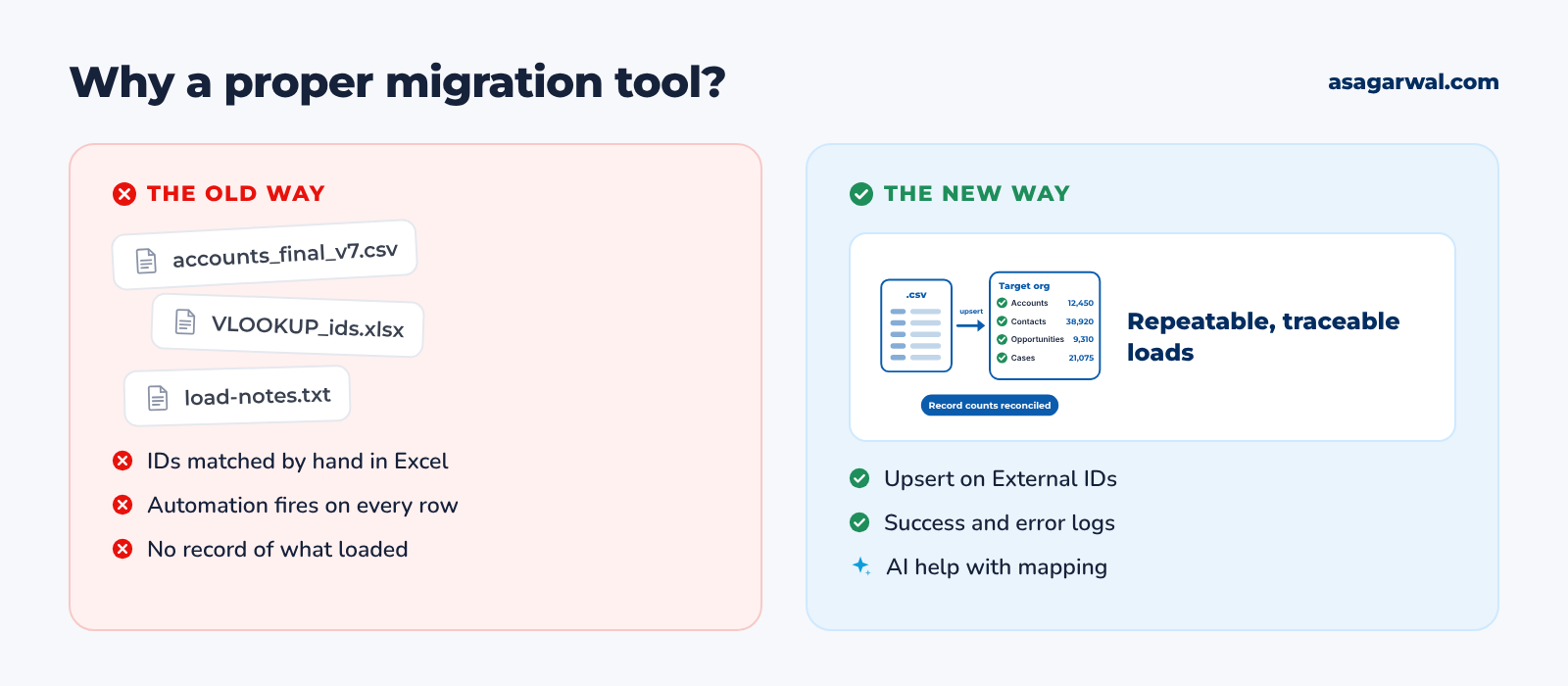
A proper data migration tool makes every load repeatable, traceable and easy to reconcile. It maps fields once, matches records on External IDs instead of Excel formulas, uses the Bulk API for volume, and writes a success and error file for every run, so you can prove exactly what went in.
In 2026 some of these tools also bring AI to the hardest part of the job: describing a transformation in plain English and getting the mapping expression or pipeline built for you.
Here are five of the best data migration tools for Salesforce projects, from the free official loader to enterprise integration platforms. 🚚
🔎 How These Five Were Chosen
We looked at the tools Salesforce project teams actually use to load, export, transform and move data during implementations and org migrations, and judged them on volume, relationship handling, upsert by External ID, automation control, security and price. The list mixes Salesforce's own tools with independent leaders: Informatica has been named a Leader in the Gartner Magic Quadrant for Data Integration Tools for 20 consecutive years, and Skyvia and dataloader.io are regulars in independent Salesforce ETL roundups.
Several names didn't make the cut. Jitterbit retired its free Data Loader from general availability in November 2025, and new installs are no longer possible. Talend Open Studio, the free edition many consultants used, was retired on 31 January 2024; Talend now lives on as commercial Qlik Talend Cloud. The Data Import Wizard in Setup is free and handy, but it handles up to 50,000 records per file and doesn't support Opportunities, Cases or Products. Workbench still works (version 68.0.0) but is not supported by Salesforce and warns against use with production data. Odaseva and similar platforms focus on backup and archiving, MuleSoft on ongoing integration, and Data 360 (formerly Data Cloud) ingestion feeds the data platform rather than loading CRM records.
Prices are USD list prices as of October 2026; always confirm on the vendor's pricing page before you buy.
🔗 Useful links
1. Data Loader by Salesforce
🌐 URL: developer.salesforce.com/tools/data-loader
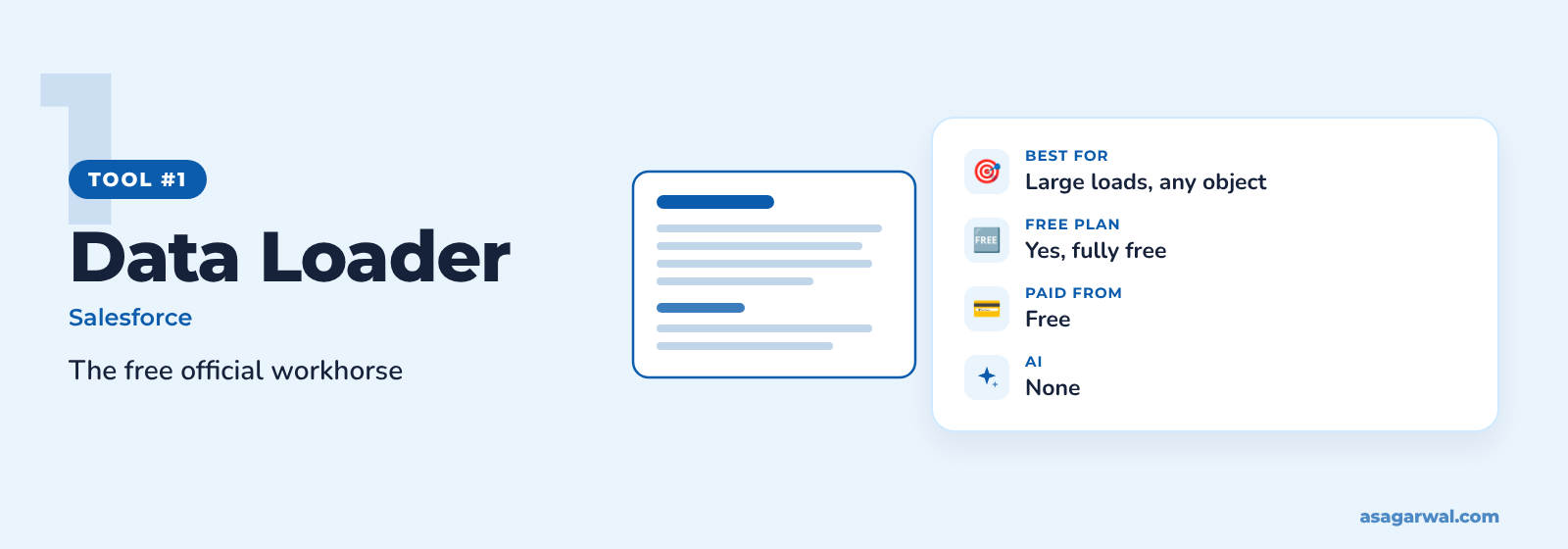
Salesforce's own free desktop client for bulk data, and the tool every admin and consultant should know. If you need to insert, update, upsert, delete or export large volumes on any object, start here.
🔑 Key features
Insert, update, upsert, delete, hard delete and export, on standard and custom objects
Bulk API 2.0 support for files of up to 150 million records
Upsert by External ID, with lookups resolved through related External IDs
Success and error CSV files for every run, ready for reconciliation
Command-line mode on Windows for scripted, repeatable loads
✨ AI capability
None. Data Loader is a straightforward, deterministic tool, which is exactly what you want on cutover weekend.
💰 Free or paid
Free with Enterprise, Performance, Unlimited and Developer editions. New versions follow each Salesforce release (v67.0.0, built for Summer '26, is the latest on GitHub); it needs Java 17 or later and runs on Windows and macOS.
⚡ Why it matters for Salesforce professionals
OAuth login now goes through an External Client App (supported from v66.0.0), so set one up in each org before cutover, not on the night
Salesforce is retiring the SOAP API login() call in Summer '27 and the OAuth username-password flow on 20 February 2027, so move scripted Data Loader jobs to OAuth now
Every Salesforce certification and Trailhead data module assumes you know it, and so will your client's admins
🔗 Useful links
2. dataloader.io by MuleSoft
🌐 URL: dataloader.io
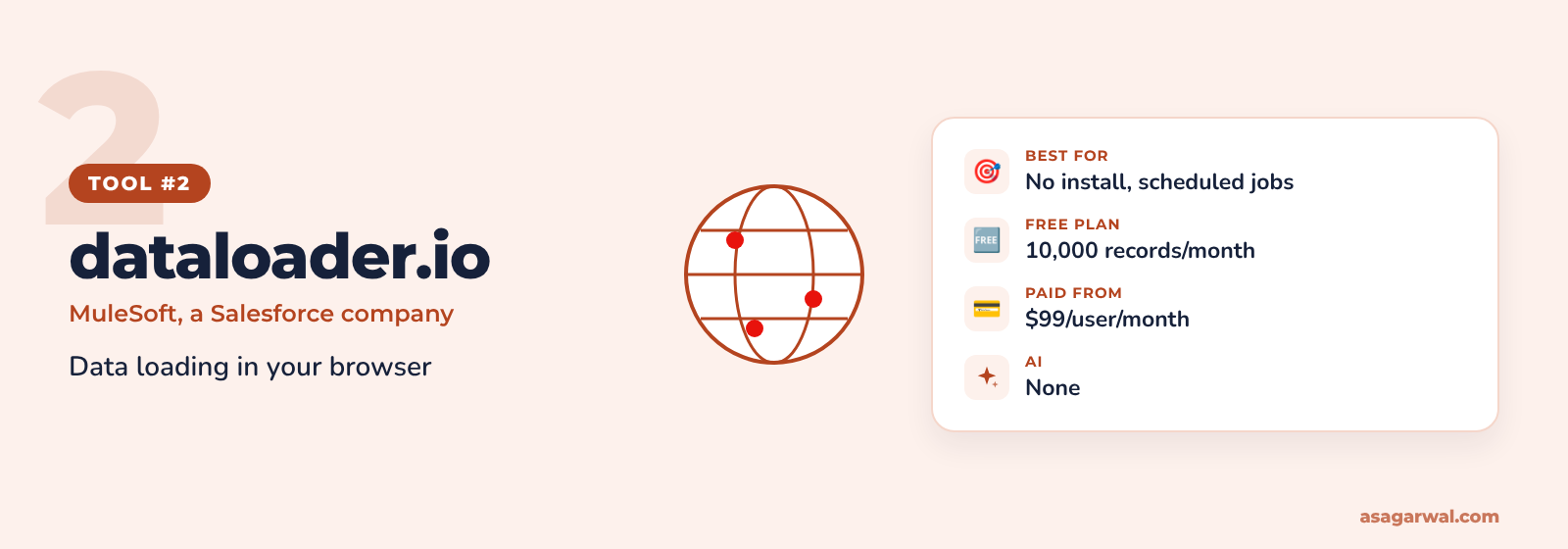
A browser-based data loader from MuleSoft, a Salesforce company. Nothing to install, so it suits locked-down laptops and admins who want scheduled imports without a server.
🔑 Key features
Import, export and delete from the browser, after a Salesforce login
Lookups to related objects, so you can link records to parents without pasting Salesforce IDs
Scheduled tasks that run hourly, daily, weekly or monthly
Connections to Box, Dropbox, FTP and (on Enterprise) SFTP
Saved tasks you can rerun for every test load and the final cutover
✨ AI capability
None advertised.
💰 Free or paid
Free plan with 10,000 records a month, one scheduled task and a 10MB file limit. Professional is $99 per user/month (100,000 records) and Enterprise $299 per user/month (unlimited records, 10 Salesforce connections). Production and sandbox count as separate users.
⚡ Why it matters for Salesforce professionals
Works where you can't install Java or Data Loader, which is common on client-managed laptops
Scheduled imports from SFTP or Dropbox cover the recurring feeds that often outlive the migration
A good fit for admins who load data now and then and want a friendlier interface than Data Loader
🔗 Useful links
3. Skyvia
🌐 URL: skyvia.com
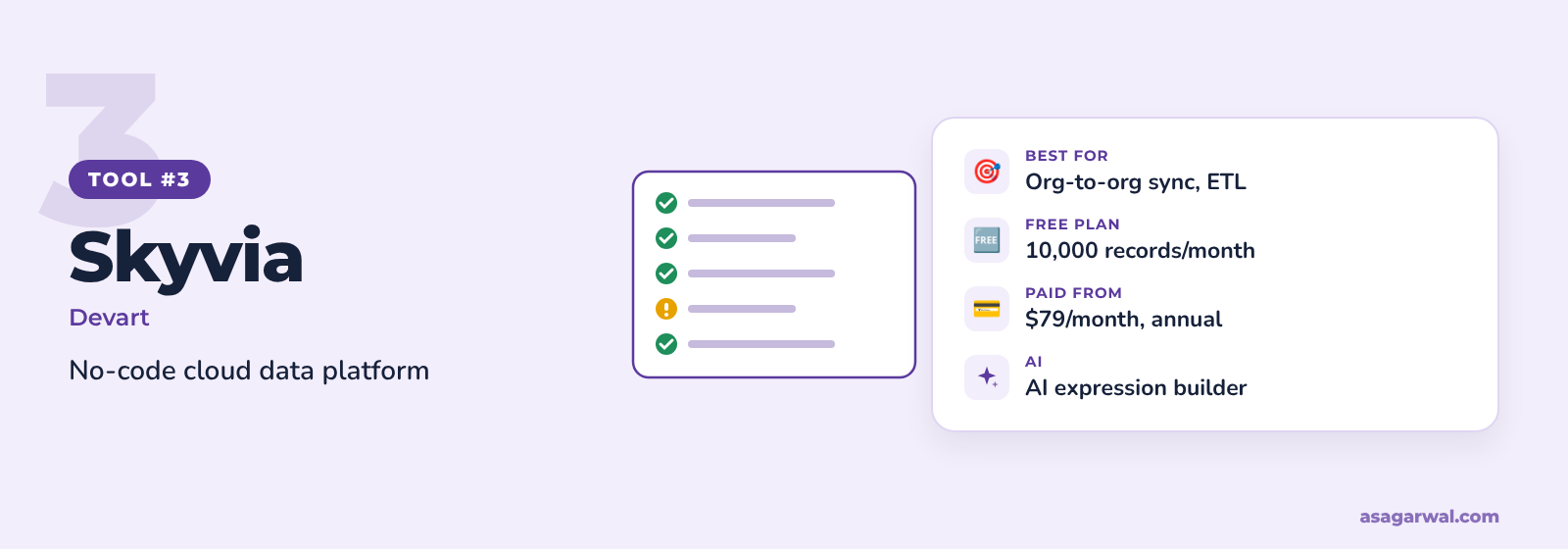
A no-code cloud data platform from Devart that handles import, export, replication and Salesforce-to-Salesforce sync in one place. A strong middle ground between Data Loader and an enterprise ETL tool.
🔑 Key features
Import from CSV files, databases and other cloud apps into Salesforce, with insert, update, upsert and delete
Keeps parent-child relationships and handles load order across related objects
Mapping with expressions, lookups, constants and External IDs
Salesforce-to-Salesforce sync between orgs and sandboxes
Replication of Salesforce data to a data warehouse, plus scheduling up to every minute
✨ AI capability
In February 2026 Skyvia added AI expression generation: describe the transformation you want in plain English and it writes the expression in the mapping editor.
💰 Free or paid
Free plan with 10,000 records a month and two scheduled integrations. Basic is $79/month, Standard $159/month and Professional $399/month billed annually ($99, $199 and $499 monthly); Enterprise is custom-priced.
⚡ Why it matters for Salesforce professionals
Org-to-org sync makes it useful for org mergers and moving data between sandboxes
Loads straight from a legacy SQL database, so you skip the CSV export step
AI-generated expressions help admins write transformations without learning a scripting syntax
🔗 Useful links
4. Informatica Cloud Data Integration
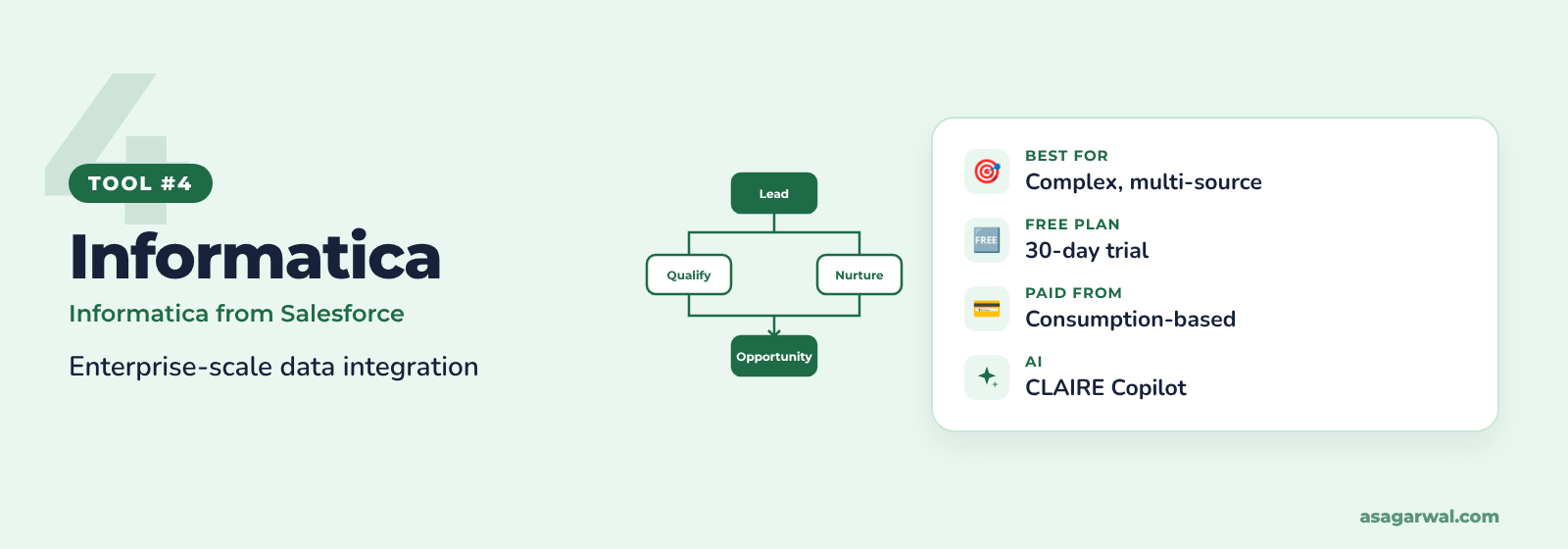
🌐 URL: informatica.com/products/data-integration.html
The enterprise choice for large, multi-source migrations, and now part of Salesforce after the acquisition closed in November 2025. Built for programmes that merge several legacy systems into one org.
🔑 Key features
ETL, ELT, replication and change data capture in one cloud platform
Hundreds of connectors, including Salesforce, SAP, Oracle and the main data warehouses
Visual mapping designer for complex transformations and data cleansing
Data quality and master data options to fix duplicates before they reach Salesforce
Serverless processing with consumption-based cost control
✨ AI capability
CLAIRE Copilot for Data Integration builds and summarises pipelines from natural-language prompts, and is included at no extra cost. Informatica Headless also lets developers build and deploy pipelines from MCP-enabled tools such as Claude.
💰 Free or paid
No free plan, but a 30-day free trial. Pricing is consumption-based and quoted by Informatica, so budget for a sales conversation.
⚡ Why it matters for Salesforce professionals
The right tool when the migration is a programme: several source systems, heavy cleansing and multiple waves
Now a Salesforce company, which makes it a natural option on Salesforce-led enterprise deals
Pipelines built for the migration can carry on as the ongoing integration after go-live
🔗 Useful links
5. Gearset Data Deployments
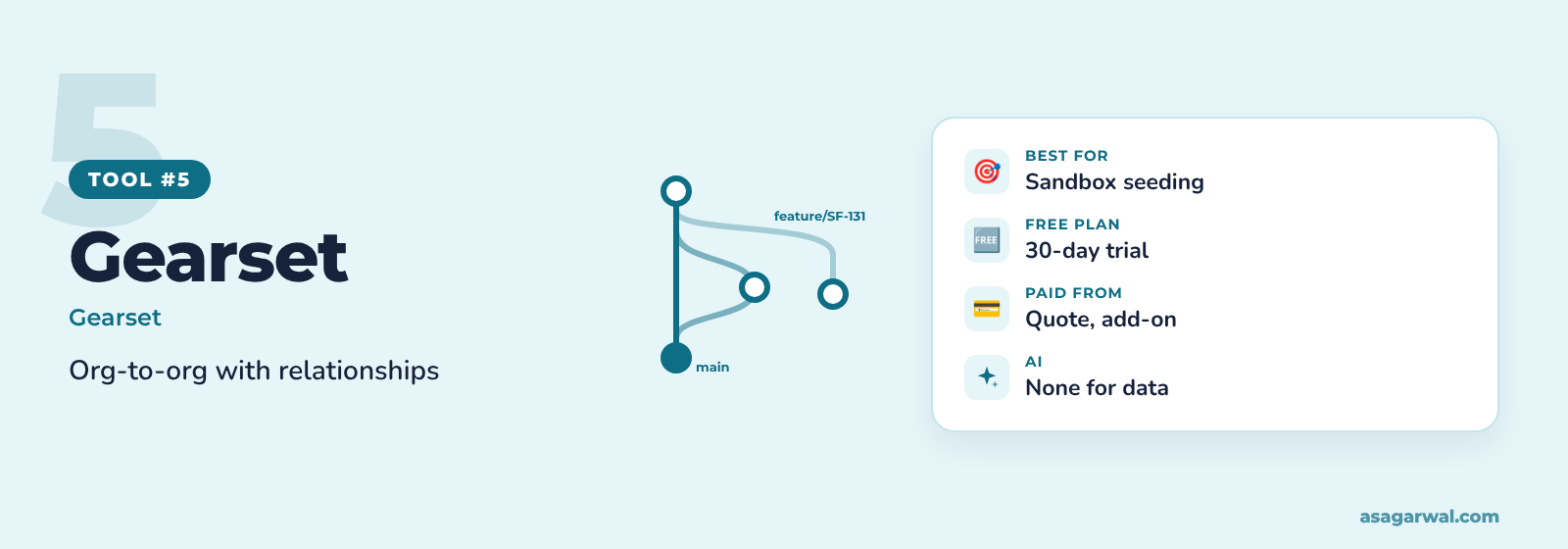
🌐 URL: gearset.com/solutions/manage-data
Best known for Salesforce DevOps, Gearset also moves data between orgs with relationships intact. Ideal for seeding sandboxes and moving reference data from org to org.
🔑 Key features
Detects lookup and master-detail dependencies up to 15 levels deep
Upserts on an External ID or ID lookup field, so reruns don't create duplicates
Temporarily deactivates validation rules, triggers and Flows, then switches them back on
Masks sensitive fields so personal data doesn't land in sandboxes
Moves data directly between your orgs over encrypted connections
✨ AI capability
None for data deployments. Gearset's AI agent focuses on DevOps work and is priced by quote.
💰 Free or paid
30-day free trial with full access. Data deployments and sandbox seeding come with the Sandbox Seeding & Compliance add-on, priced on top of a Gearset subscription, so ask for a quote.
⚡ Why it matters for Salesforce professionals
Seeds a fresh Partial or Full sandbox with realistic, related test data for UAT
Automatic deactivation of automation removes one of the riskiest manual steps in any load
Sits alongside metadata deployments, so teams already on Gearset can move config and data together
🔗 Useful links
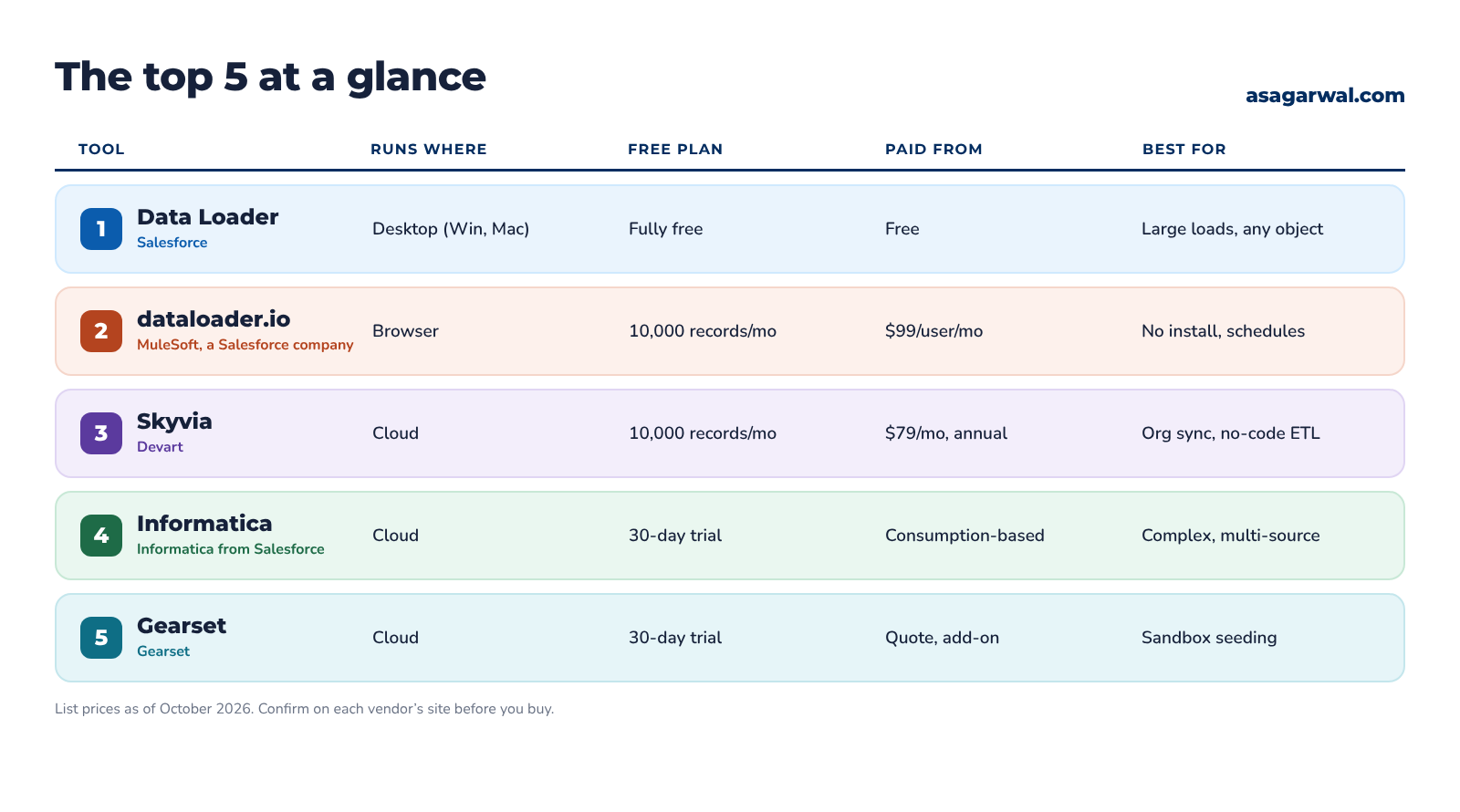
📊 The Top 5 at a Glance
🧭 Which One Should You Choose?
Match the tool to the size and shape of your migration:
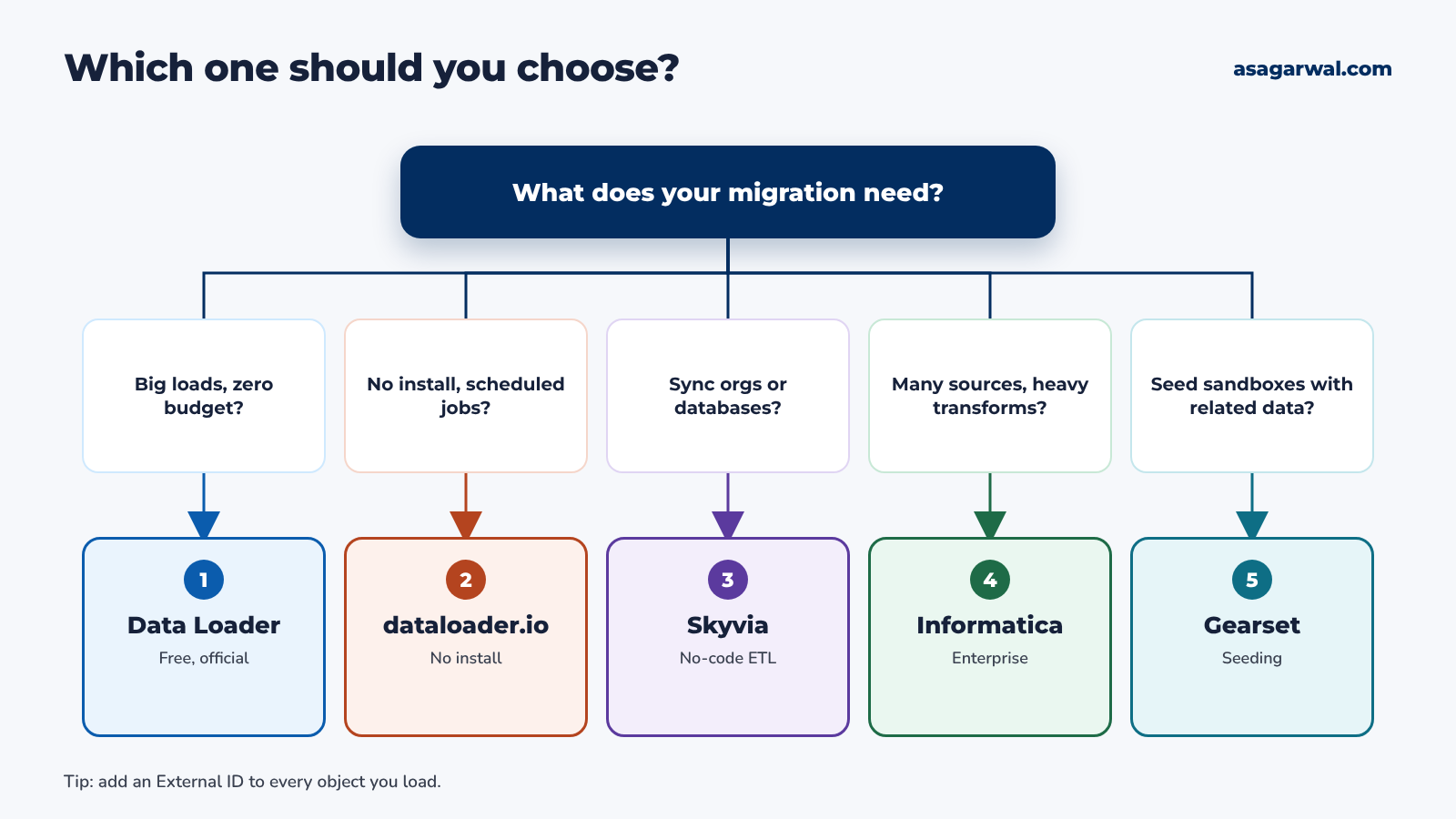
Large loads, any object and no budget? Choose Data Loader.
Can't install software, or need simple scheduled imports? Choose dataloader.io.
Syncing orgs or loading straight from a database without code? Choose Skyvia.
Several source systems and heavy transformation? Choose Informatica.
Seeding sandboxes with related, masked data? Choose Gearset.
💡 Honourable Mention: Salesforce Inspector Reloaded
For quick fixes, the free Salesforce Inspector Reloaded browser extension lets you export a SOQL query and paste rows from Excel straight back in to insert, update, upsert or delete records. It is not a cutover tool, but it saves hours on small corrections during UAT. Read our guide to the top Salesforce browser extensions for more.
🧱 A Migration Checklist
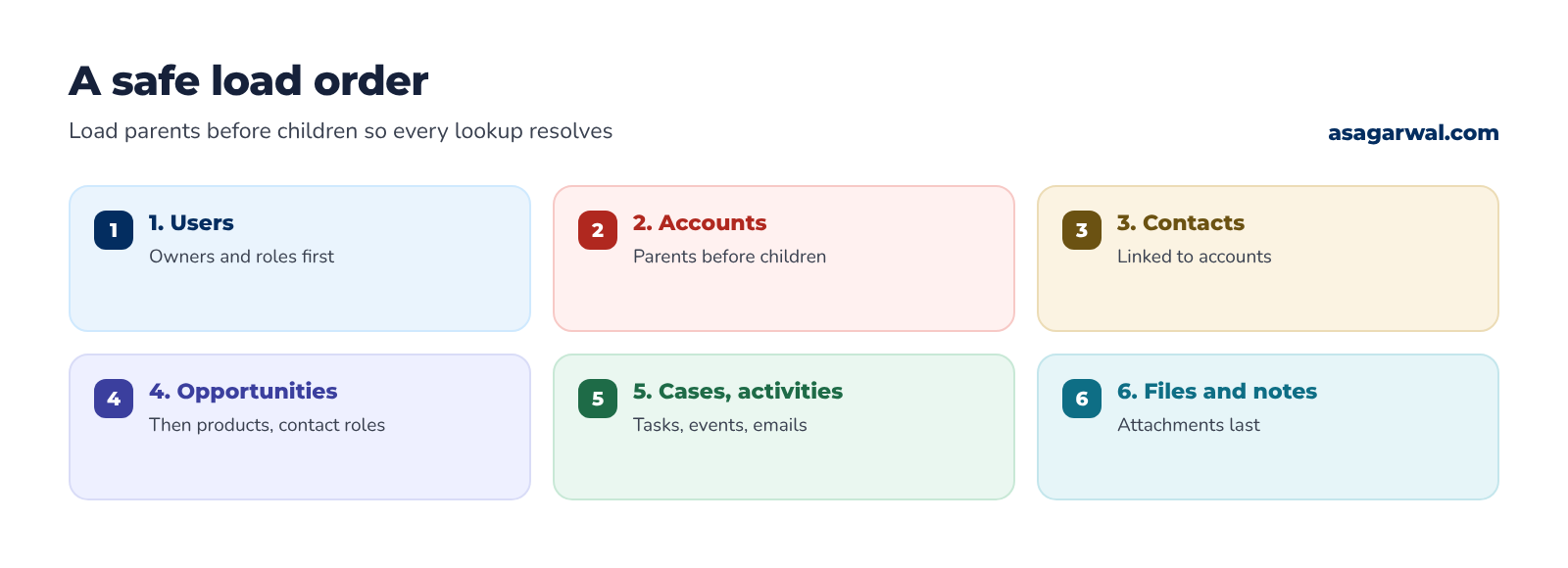
Load in dependency order. Users, then Accounts, Contacts, Opportunities, then Cases, activities and files.
Add an External ID to every object. Store the legacy key, mark it unique, and upsert on it so reruns update instead of duplicating.
Use Bulk API 2.0 for volume. It handles batching for you. If parallel loads hit record locks on shared parents, sort the file by parent ID or fall back to Bulk API 1.0 in serial mode.
Switch off automation you don't want. Bypass or deactivate validation rules, Flows, triggers, assignment rules and email alerts, then switch them back on.
Rehearse in a Full sandbox. Run the full load at least once with production-sized data and time every step.
Reconcile every run. Compare record counts and key totals between source and Salesforce, and fix every row in the error file.
Scripting loads with the Salesforce CLI or Data Loader's command line? Our guide to the top IDEs for Salesforce development covers the tools you'll script them in.
✅ Rehearse Before You Cut Over
Whichever tool you choose, treat migration as code: version your mapping files, script the load order, and run the whole thing end to end in a Full sandbox until it is boring. Then do it once more with a stopwatch.
A migration you have rehearsed three times is a cutover. One you haven't is a gamble.
Which tool does your team trust for go-live weekend? Share it in the comments 👇